
Turn an Old Tablet into an Aesthetic Neon Counter Sign for Your Cafe or Boutique (Zero Cost & Remote Controlled)
Step-by-step DIY guide for small shopkeepers, baristas, and boutique owners: Repurpose an unused iPad or Android tablet into a glowing neon counter display updated remotely in seconds.
Neon Glow Message Board
Luminous glowing notes and remote messages sent straight to your desk screen.
The Checkout Dilemma: Expensive Acrylics & Outdated Chalkboards
For coffee shops, artisan bakeries, neighborhood bookstores, and independent boutiques, the checkout counter is prime real estate. It is the single spot where every single customer pauses: waiting for their pour-over, reviewing their receipt, scanning digital wallets, or asking for the guest Wi-Fi password.
Yet, most counter displays fall into two frustrating extremes:
- Dry-Erase & Chalkboards: Chalk markers smudge easily, erase poorly, and quickly look worn out under bright counter lighting.
- Disposable Printed Foam Boards: Printing new counter cards every time you launch a weekend seasonal special or change Wi-Fi credentials costs $20 to $50 a pop, plus days of waiting for print turnarounds.
- Custom Glass Neon Signs: While gorgeous, authentic custom neon tubes run between $200 and $500. Worse yet, they are physically immutable—if you bend a neon tube that says “OPEN”, it will never announce your “Afternoon Happy Hour 20% OFF”.
Meanwhile, in a back-office desk drawer or stockroom closet, there is almost certainly an unused iPad, iPad mini, or older Android tablet gathering dust simply because it can no longer run demanding new games.
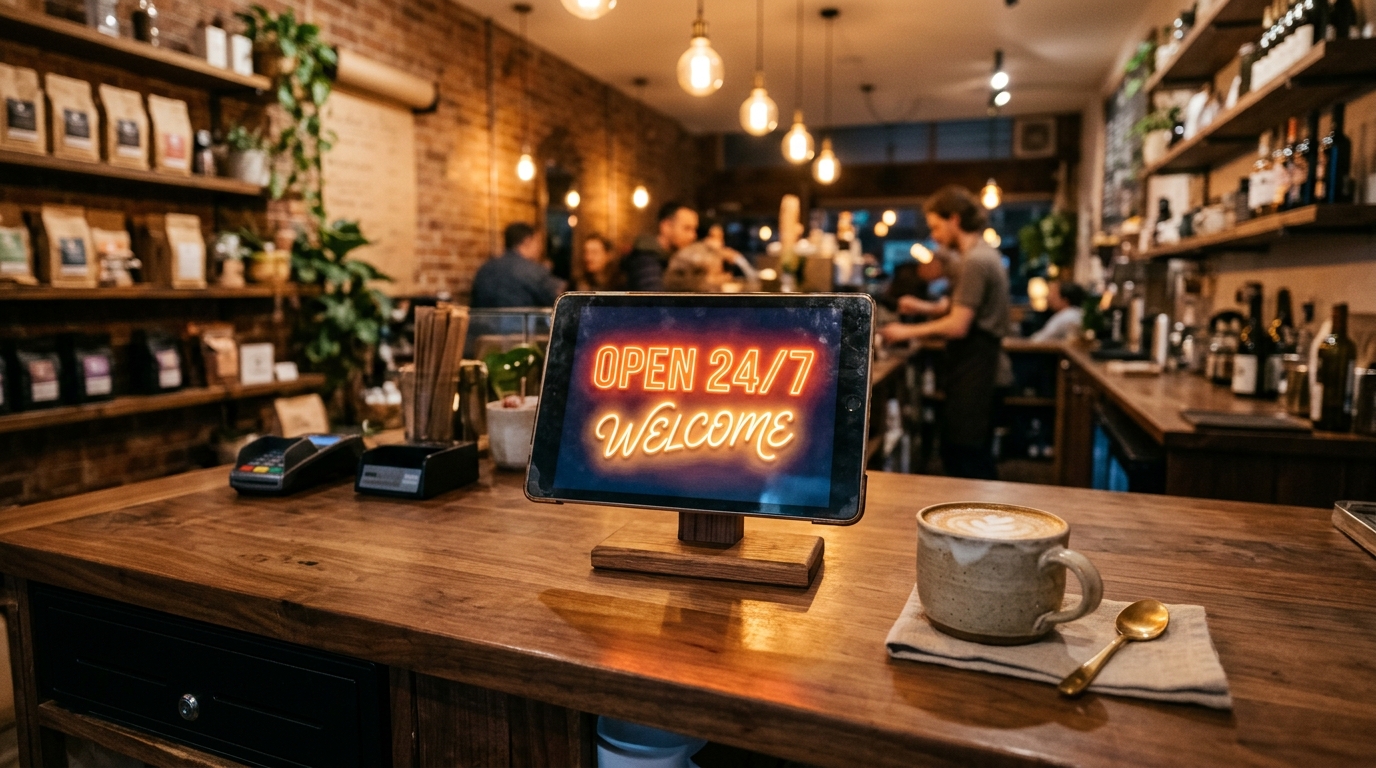
Give that dormant screen a high-impact second career: Transform it into an aesthetic, remote-controlled digital neon sign for your front counter.
Zero-Cost Upcycling: Digital Neon with Authentic Glass Glow
When you launch Updrawer GlowBoard Neon Sign on your old tablet’s web browser, your counter instantly gains high-end boutique ambiance:
- Realistic Neon Tube Physics: Vibrant phosphor outlines and ambient glow halos recreate the organic warmth of real gas-discharge neon tubes, casting a gentle atmospheric light across polished wood or marble countertops.
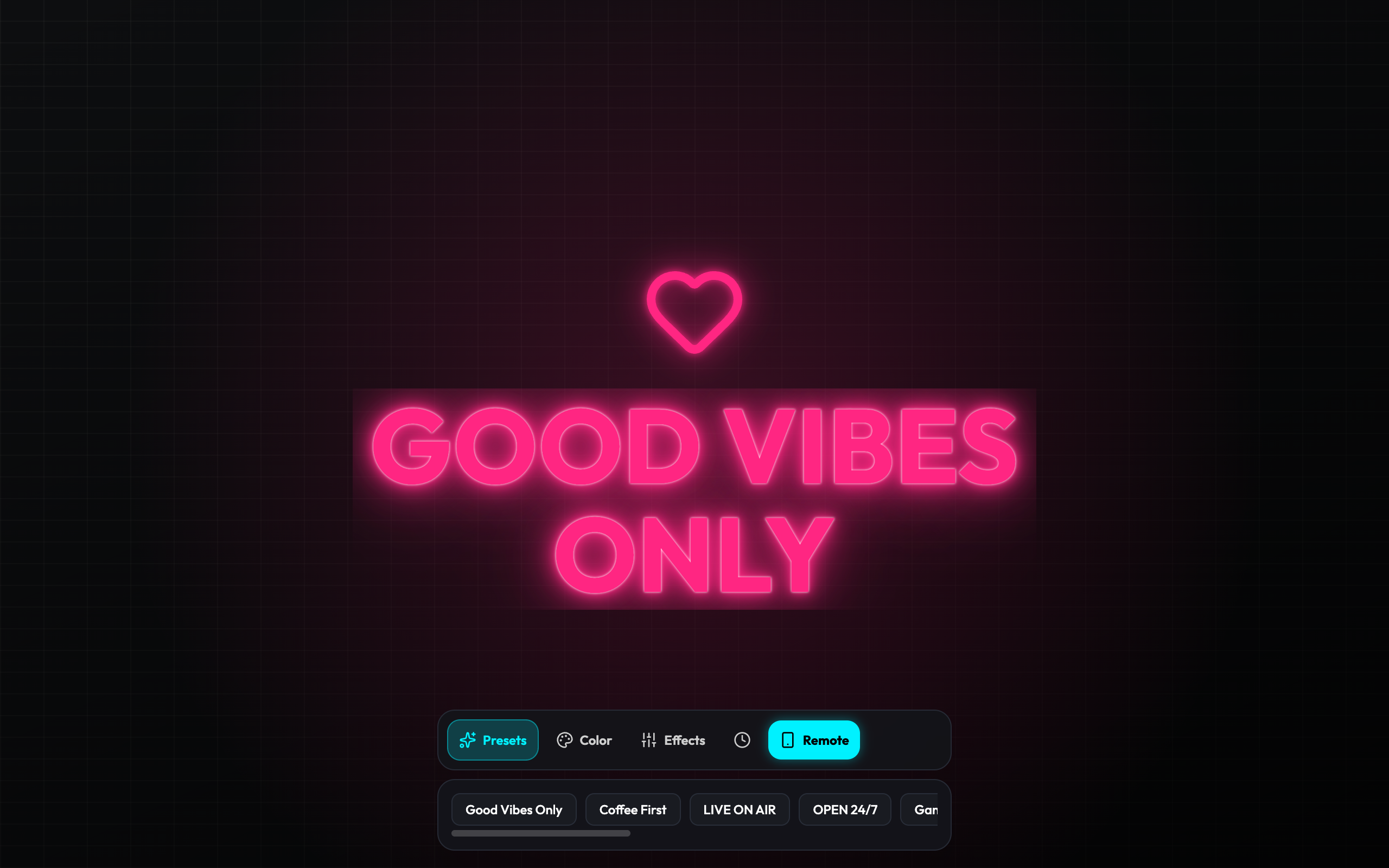
- Instagrammable Countertop Focal Point: Charming glowing slogans like “Coffee First Work Later” or “Good Vibes Only” turn your register area into an irresistible photo check-in backdrop for customers.
- 100% Free & Hardware-Friendly: No expensive custom signage fabrication, no messy chalkboard dust, and zero wasted hardware.
The Game Changer: Instant Wireless Remote Control from Your Pocket
The killer feature that separates GlowBoard from static digital picture frames is its built-in P2P Wireless Remote Control.
You never have to lean over the counter or touch the tablet while taking customer orders:
- Tap the Remote button on the counter tablet to reveal a pairing QR code.
- Scan the code with your personal smartphone camera.
- Whether you are steaming milk behind the espresso bar or restocking shelves, change the counter display from your phone in under 3 seconds:
- Morning Rush (07:00 – 10:00): “Morning Special: Cold Brew & Croissant $7.50”
- Midday Coworking (11:30 – 14:00): “Wi-Fi: RoasteryGuest / Pass: freshbeans”
- Late Afternoon (15:00 – 17:00): “Happy Hour: Buy 1 Get 1 50% OFF”
- Closing Time: “SEE YOU TOMORROW — OPEN 7 AM”
The counter display transitions immediately with smooth glowing animations, delighting patrons standing in line!
Cost & Agility Breakdown
| Feature | Printed Acrylic / Foam Sign | Traditional Custom Glass Neon | GlowBoard on Repurposed Tablet |
|---|---|---|---|
| Initial Upfront Cost | $25 – $60 | $200 – $500 | $0 (Repurposed tech) |
| Cost Per Content Change | $15 – $35 re-print fee | Impossible to alter | $0 (Unlimited updates) |
| Update Latency | 24–48 hours turnaround | Permanent / Static | 3 seconds via smartphone |
| Visual Dynamism | Flat, easily overlooked | Bright but static | Luminous, pulsing, sound-reactive |
| Environmental Footprint | Single-use plastic/paper waste | High voltage draw, fragile glass | Extends consumer electronic life |
3 Steps to Setup Your Counter Sign
Step 1: Secure a Clean Stand and Power Cable
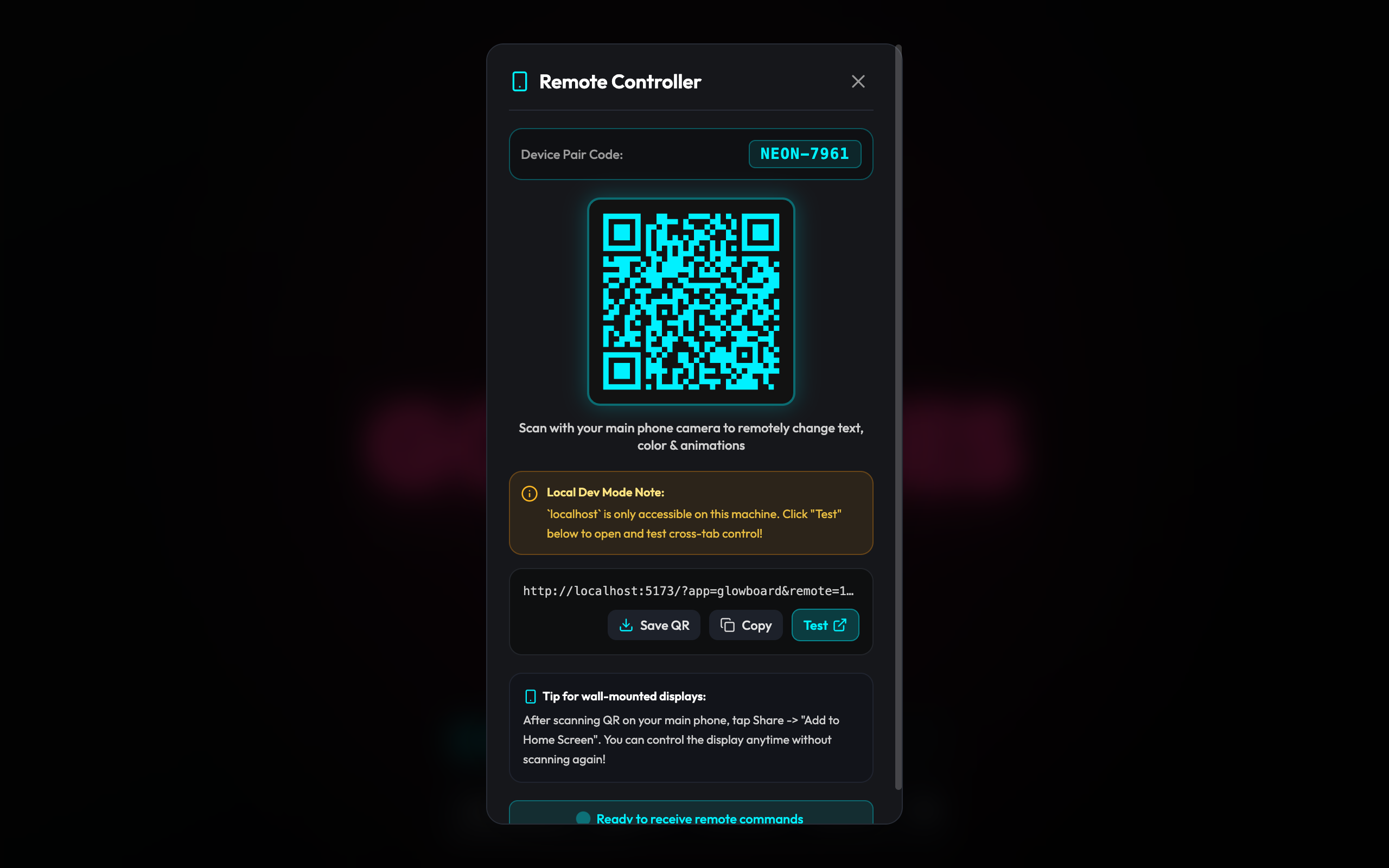
Pick a minimalist wooden, brushed metal, or matte black desktop dock that matches your shop’s interior aesthetic. Route a thin USB charging cable neatly behind your cash drawer or under the counter runner.
Step 2: Open Updrawer in Fullscreen Mode
Open Safari (on iPad) or Chrome (on Android) and navigate to:
<a href="https://updrawer.com/app/glowboard">https://updrawer.com/app/glowboard</a>
Tap the Share icon and select “Add to Home Screen” to create a dedicated, browser-frame-free icon on your tablet.
Step 3: Enable Kiosk Lockdown (Guided Access)
Prevent staff or curious guests from accidentally exiting the sign:
- On iPad / iPhone: Navigate to Settings > Accessibility > Guided Access and turn it ON. While on the GlowBoard screen, triple-click the top or Home button to lock the tablet.
- On Android: Navigate to Settings > Security > App Pinning and pin the browser window.
Elevate Your Shop Counter Today
A warm, radiant counter display not only enhances customer perception of your brand craftsmanship, but it also serves as an indispensable sales and communication assistant.
Unpack that forgotten tablet from your drawer and give it a vibrant second life:
Neon Glow Message Board
Recommended For You
 Guides
Ditch the Disposable Birthday Banners: Create a Glowing Neon Milestone Board in 30 Seconds
Stop spending $50 on single-use foam milestone boards on Etsy. Turn an old iPad into a reusable glowing neon celebration sign for your kid's birthday party.
Smart Home IdeasFrom Junk Drawer to Coffee Counter: Making a Mini Neon Sign and Status Board
How small boutique owners and home office workers are repurposing old phones into aesthetic glowing neon signage and meeting status boards.
 DIY Guides
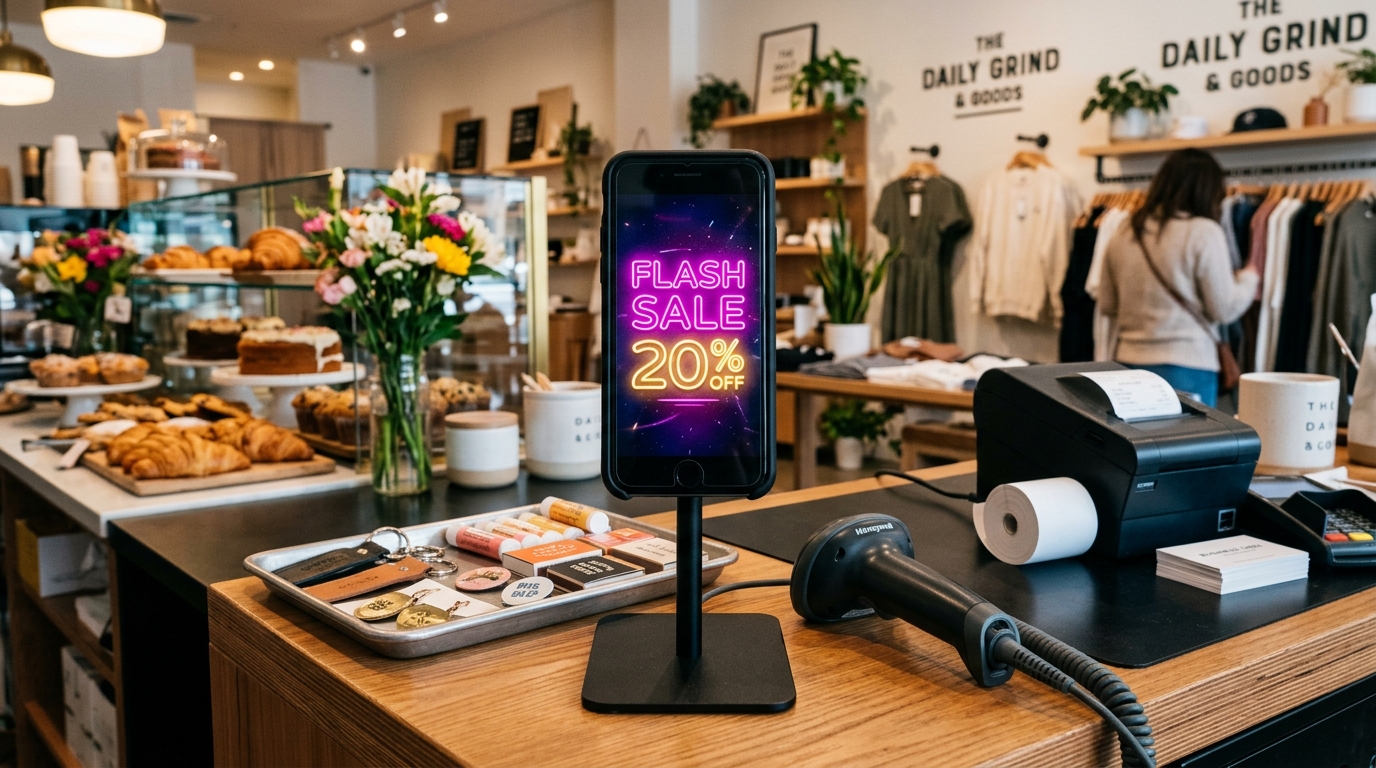
Boost POS Impulse Sales with a Dynamic Glowing Flash Sale Sign from an Old Phone
Zero-cost retail counter sales strategy: Repurpose a dormant smartphone into a vibrant glowing neon flash sale display to captivate waiting shoppers at checkout.
Rescue Your Old Phone: Try Neon Glow Message Board Today
Luminous glowing notes and remote messages sent straight to your desk screen. No account creation or app store downloads required — one tap to start.