
Boost POS Impulse Sales with a Dynamic Glowing Flash Sale Sign from an Old Phone
Zero-cost retail counter sales strategy: Repurpose a dormant smartphone into a vibrant glowing neon flash sale display to captivate waiting shoppers at checkout.
Smart Desk Clock
Modern StandBy typography and atmospheric glanceable time display.
The 30-Second Golden Window at Checkout Every Retailer Needs to Win
Retail behavioral studies reveal that between 40% and 60% of all impulse purchases occur right at the Point of Sale (POS) checkout counter.
That critical 15 to 30-second pause while the card reader processes a transaction, a receipt prints, or a cashier bags an item is the most attentive window in a shopper’s entire visit. Their eyes are naturally scanning the immediate countertop perimeter.
Unfortunately, most independent boutiques, bakeries, and cafes waste this prime dwell time:
- Printed paper promotional tent cards look static, easily blend into countertop clutter, and get ignored.
- Shoppers instinctively pull out their personal phones to scroll social media instead of noticing nearby add-on merchandise like lip balms, artisanal cookies, or gift cards.
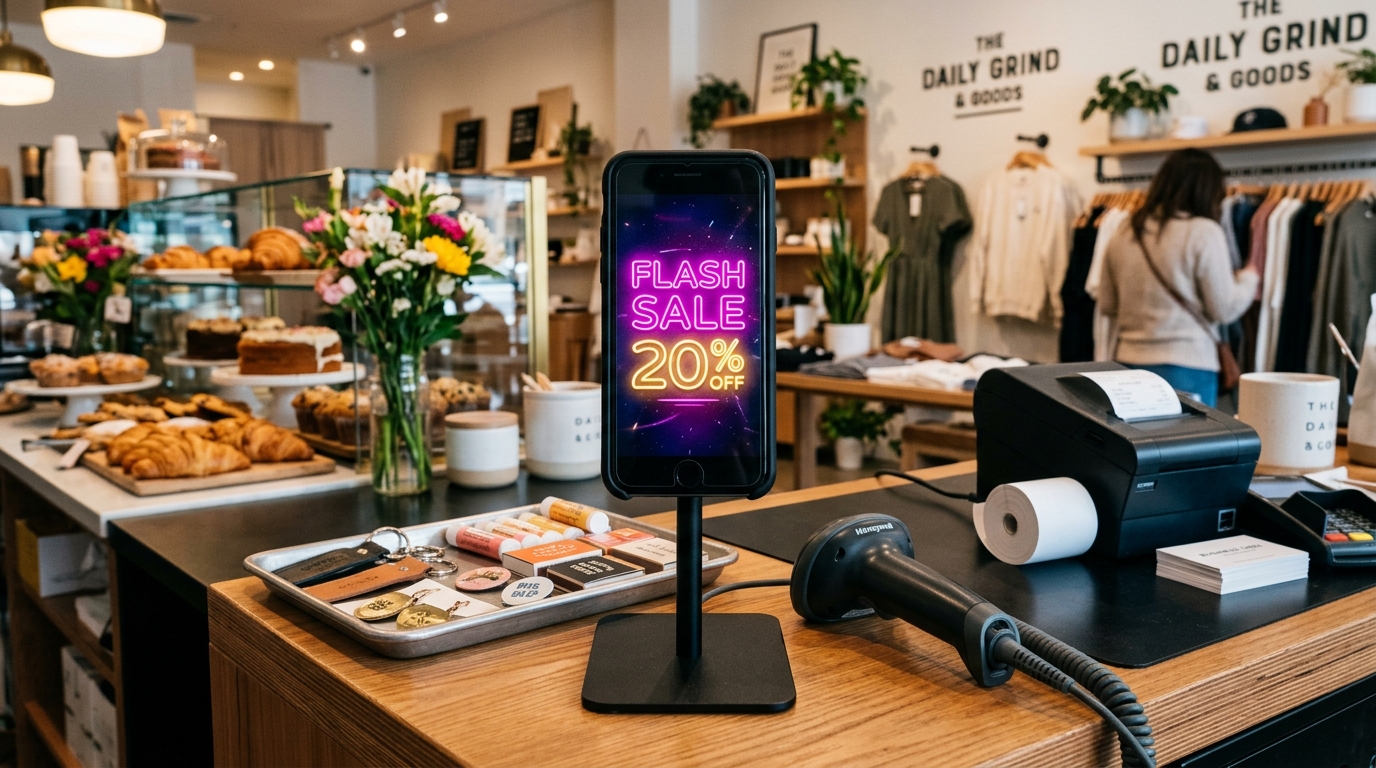
The smart counter fix: Turn an unused smartphone into a vibrant, pulsing Digital Flash Sale Sign that magnetically captures attention.
Why Dynamic Glowing Neon Triggers Immediate Add-On Buys
When you perch an older smartphone running Updrawer GlowBoard Neon Sign directly beside your checkout scanner:
- Involuntary Visual Grab: The human visual cortex is hardwired to detect gentle rhythmic motion. Subtle tube flickers (Flicker) or smooth luminance pulses (Pulse) naturally draw the shopper’s gaze up from their personal screen.
- Amplified Urgency & Exclusivity (FOMO): A radiant electric magenta or gold neon phrase reading “Today Only: Pastry + Latte $8” commands far greater perceived value than a flat paper sticker.
- Micro Countertop Footprint: An iPhone or compact Android device occupies virtually zero counter space, nestling neatly between your receipt printer and merchandise display tray.

Dayparting Deals on the Fly with Wireless Remote Pairing
The true superpower of GlowBoard for busy retail teams is instant agility. No re-printing counter cards, no messy marker scrubbing:
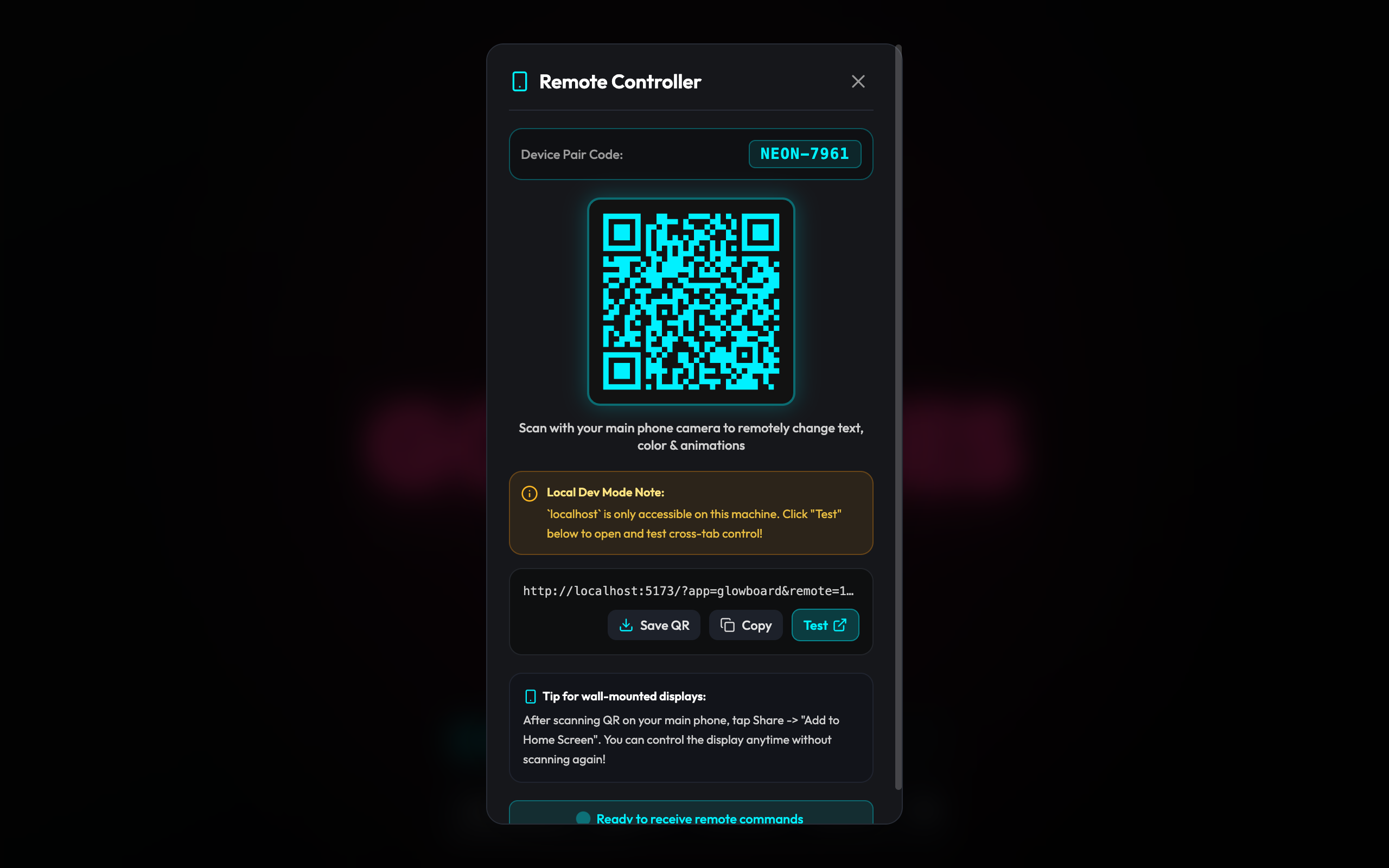
Your cashier simply keeps the Remote Controller bookmark open on their phone or tablet behind the counter, toggling offers to match foot-traffic surges:
- 08:00 – 10:30 (Morning Commute Rush):
MORNING FUEL: Bagel & Drip Coffee \$6.50 🥯 - 11:30 – 14:00 (Lunch Rush):
ADD SPARKLING WATER FOR \$2 🥤 - 15:00 – 17:00 (Afternoon Bakery Clearance):
HAPPY HOUR: ALL SCONES 40% OFF 🥐 - Evening Wrap-up:
THANK YOU FOR SHOPPING LOCAL ❤️
These targeted daypart shifts keep your counter energetic and encourage shoppers to add “just one more treat” before tapping their card.
3 Quick Steps to Optimize Your POS Counter
Step 1: Secure an Angled Metal Counter Stand
Mount the retired smartphone on a weighted metal dock angled at 45 degrees directly facing approaching patrons. Conceal the power cable beneath the counter runner.
Step 2: Open GlowBoard in Fullscreen Browser
On the older phone’s Safari or Chrome browser, visit:
<a href="https://updrawer.com/app/glowboard">https://updrawer.com/app/glowboard</a>
Select high-contrast palettes like Hot Pink (pink), Electric Yellow (yellow), or Radiant Amber (amber) with bold neon-sans typography.
Step 3: Lock Screen Kiosk Mode
Activate Guided Access (iOS) or App Pinning (Android) to ensure the display stays permanently locked to the browser window, preventing inadvertent touch dismissals.
Energize Your Point of Sale Today
Repurposing dormant household technology is not just an eco-conscious win for the planet—it is an ingenious, zero-cost retail strategy that actively grows your average transaction size.
Take that forgotten phone out of your drawer and turn it into a dedicated sales magnet:
Smart Desk Clock
Recommended For You
 DIY Guides
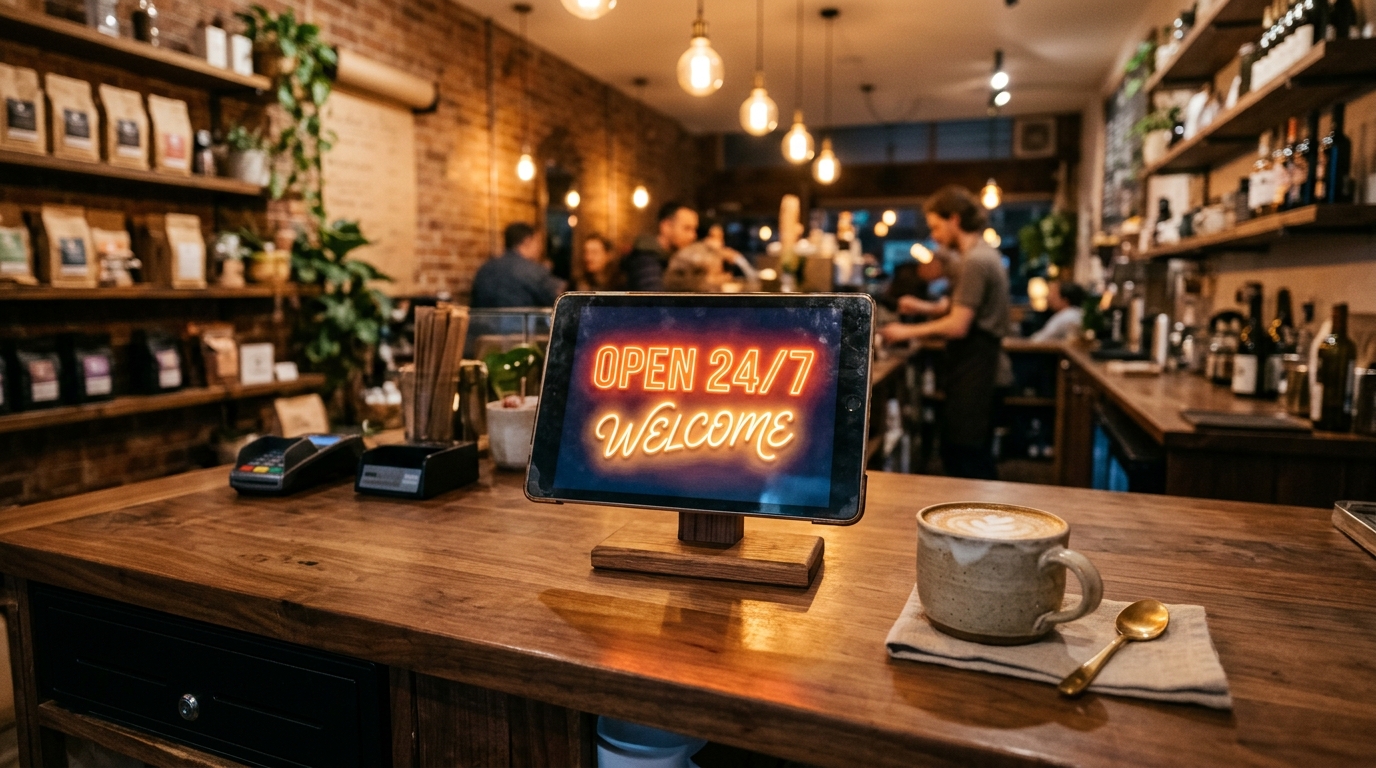
Turn an Old Tablet into an Aesthetic Neon Counter Sign for Your Cafe or Boutique (Zero Cost & Remote Controlled)
Step-by-step DIY guide for small shopkeepers, baristas, and boutique owners: Repurpose an unused iPad or Android tablet into a glowing neon counter display updated remotely in seconds.
 DIY Guides
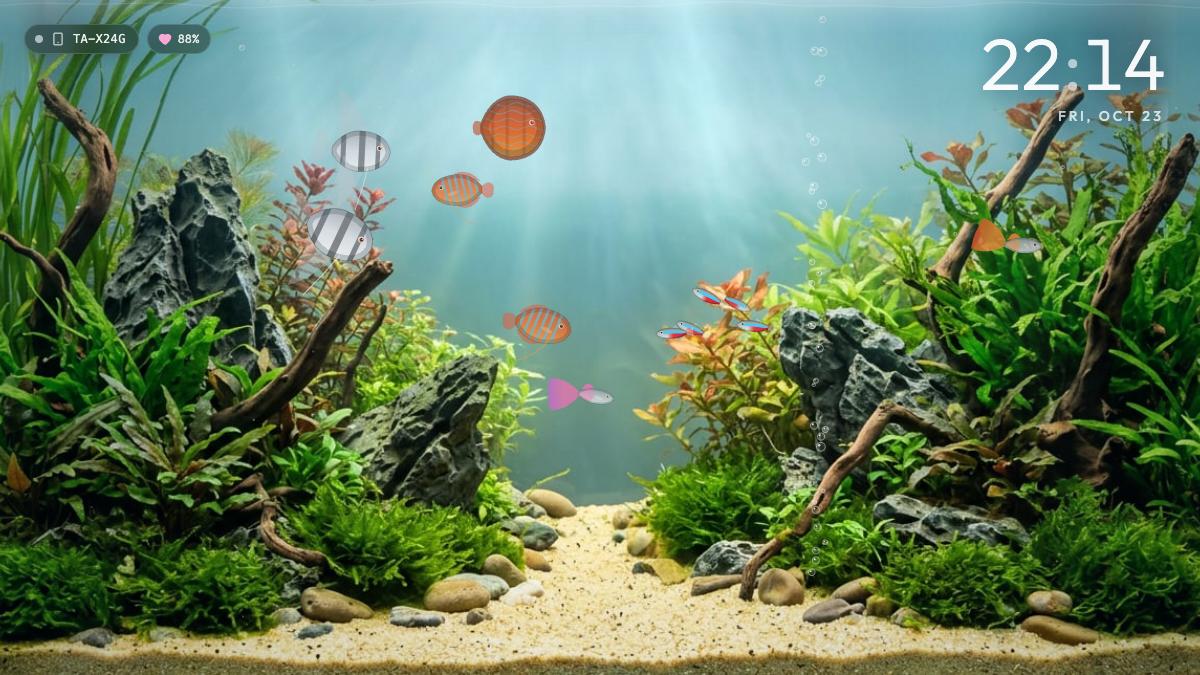
Meet the Zero-Maintenance Desk Aquarium: The Mindful Tech Trend Calming High-Stress Workspaces
Discover the stress-relieving desk aquarium trend taking over remote workspaces. Turn an unused iPad or tablet into an interactive tropical fish tank with smartphone feeding.
 DIY Guides
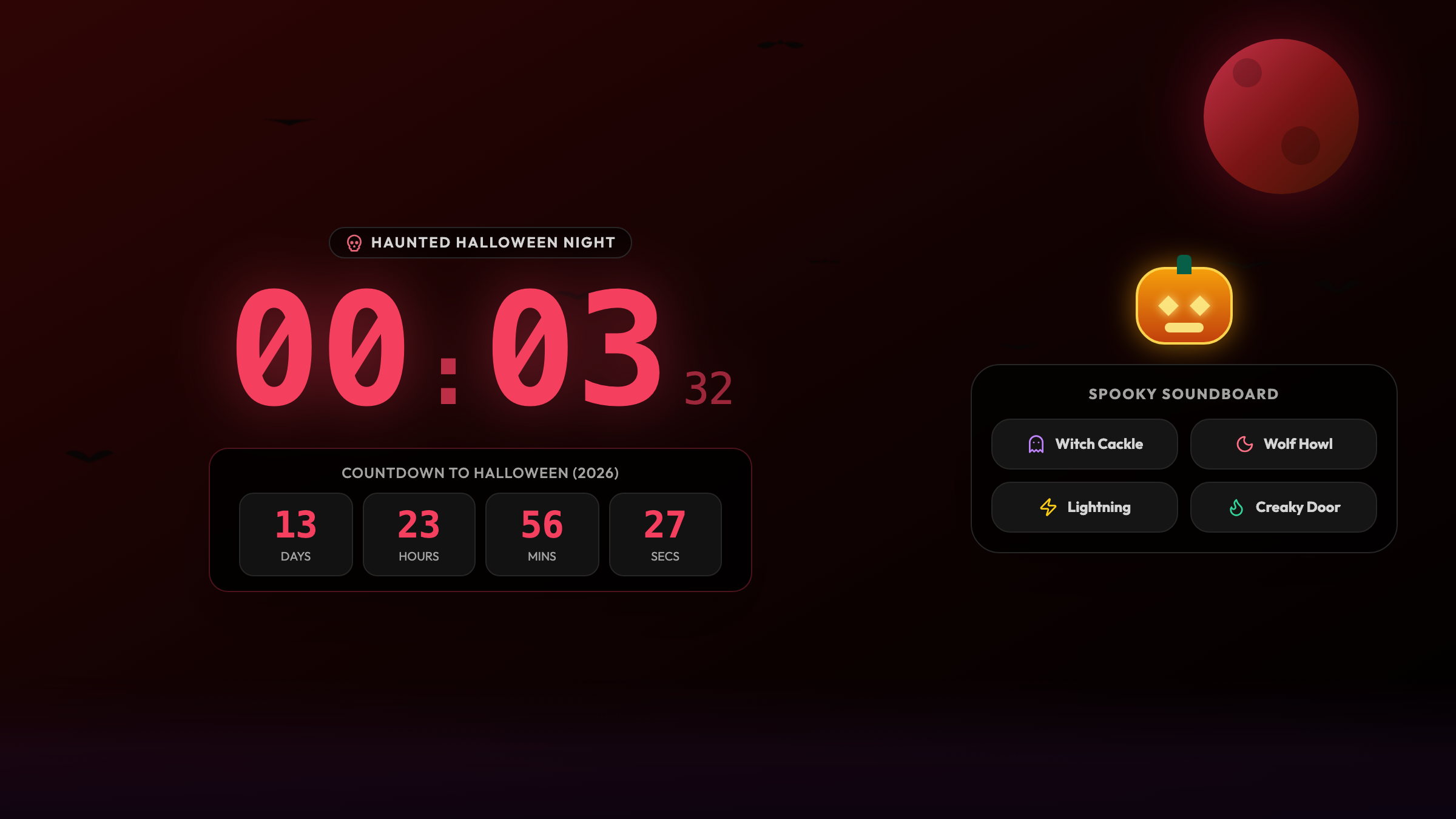
Why Spend $30 on Plastic Decor? The Ultimate Free Halloween Spooky Desk Glow-Up
Ditch flimsy plastic Halloween novelties destined for landfills. Turn an old unused smartphone into an interactive haunted cemetery clock with thunder and bats.
Rescue Your Old Phone: Try Smart Desk Clock Today
Modern StandBy typography and atmospheric glanceable time display. No account creation or app store downloads required — one tap to start.