
The Teleporting Family Photo Frame: How to Keep Faraway Grandparents Close Without Confusing Tech
Bridge the miles with elderly grandparents without tricky technology. Turn an unused iPad into a zero-touch living photo frame where family members drop photos remotely.
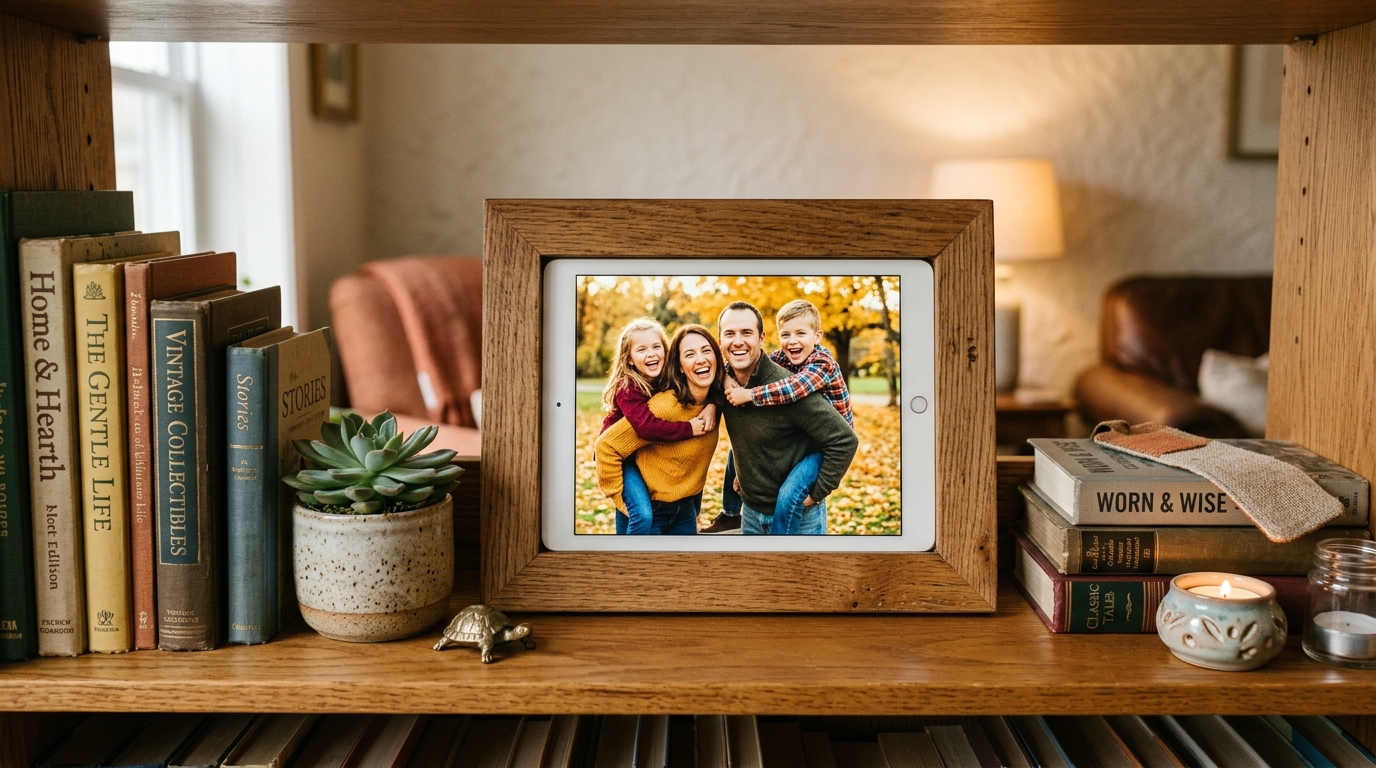
The Heartbreaking Technology Barrier Between Faraway Generations
For adult children raising families hundreds or thousands of miles away from elderly parents, the longing for regular connection is constant.
We snap dozens of delightful candid photos every week: a toddler eating their first ice cream cone, a science fair ribbon, a golden retriever splashing in autumn leaves. We instinctively want to share these moments with grandma and grandpa.
Yet, technology often creates more friction than connection for older adults:
- Tiny smartphone screens are hard to read with aging eyesight.
- Confusing app updates, forgotten Apple ID passwords, and complex notification bars cause anxiety.
- Commercial digital photo frames frequently charge $150 to $200 upfront, often accompanied by $40 annual cloud subscription fees.
- Video calls require coordinated scheduling across time zones and reliable Wi-Fi bandwidth.
As a result, our best photos remain trapped in our camera rolls, while grandparents look at framed paper photos that are already five years out of date.
The antidote to this disconnect is remarkably simple, completely free, and already sitting forgotten in your electronics drawer: An upcycled, zero-touch living photo frame.
Why a Touch-Free Photo Display Feels Like Pure Magic
By combining Updrawer Digital Photo Frame with Updrawer Photo Sender, you create a seamless window into each other’s daily lives:
- Zero-Touch Simplicity for Seniors: Grandparents never need to tap buttons, swipe menus, or clear popups. The tablet rests peacefully on their side table, gently cross-fading through fresh memories like an enchanted living art piece.
- Instant “Teleportation” of Daily Milestones: At a Saturday soccer game in Chicago? Snap a photo of your daughter scoring a goal, tap send, and seconds later that beaming smile appears on her grandparents’ nightstand in Florida.
- Readable Large-Format Captions: Add brief heartfelt notes beneath each image in clear, high-contrast typography: “First day of kindergarten! She insisted on wearing her yellow boots.”
- Circadian Auto-Dimming: The frame naturally softens its luminescence as dusk approaches, ensuring it never disrupts restful sleep when placed in a bedroom.
4 Steps to Gift a Window of Love
During your next weekend visit or holiday gathering, spend just five minutes setting up the system:
- Find the perfect spot: Place the retired tablet on their kitchen counter or coffee table, keeping the charging cable plugged in permanently.
- Open the display link: In Safari or Chrome, direct the browser to https://updrawer.com/app/photoframe.
- Save to Home Screen: Tap the browser share icon and select “Add to Home Screen”. Launching from this shortcut guarantees a full-screen, distraction-free display without browser address bars.
- Distribute the sender link to the family: Text https://updrawer.com/app/photosender to siblings, cousins, and grandchildren. Now the entire extended family can contribute daily smiles to grandma’s living room.
The Best Tech Is Tech That Brings Generations Closer
Old electronic devices don’t lose their value when they can no longer handle the latest heavy mobile games. When reimagined with empathy, a ten-year-old iPad becomes the most treasured item in an elderly home—a warm, radiant bridge reminding them every morning that they are deeply loved and never forgotten.
Further Reading
- AARP Research — Technology Adoption and Digital Inclusion Among Older Adults: Bridging Generational Distance.
- World Health Organization (WHO) — Social Connection, Healthy Aging, and Reducing Elder Loneliness Through Non-Intrusive Media.
Related Articles
I Tried 30 Days of Slow Living With My Desk. Here's What Actually Changed.
A personal experiment inspired by Cal Newport's Digital Minimalism: 30 days of redesigning a workspace to remove friction and distraction. What worked, what didn't, and what stayed.
5 DIY Phone Stands You Can Make Right Now From Things Already in Your Home
You don't need to buy anything. These five clever phone stand ideas use materials most people already have at home — and they work surprisingly well for repurposed desk displays.
Rescue Your Old Phone From the Drawer
Don't let your old device gather dust. Turn your longtime companion into an aesthetic desk clock, calendar & smart display with just one click.