
Turn an Old Tablet into a Bedside Winter Fireplace ASMR Display
Transform an unused iPad or Android tablet into a mesmerizing bedside fireplace with soothing wood-crackling ASMR, realistic flame physics, and a subtle glowing ember clock.
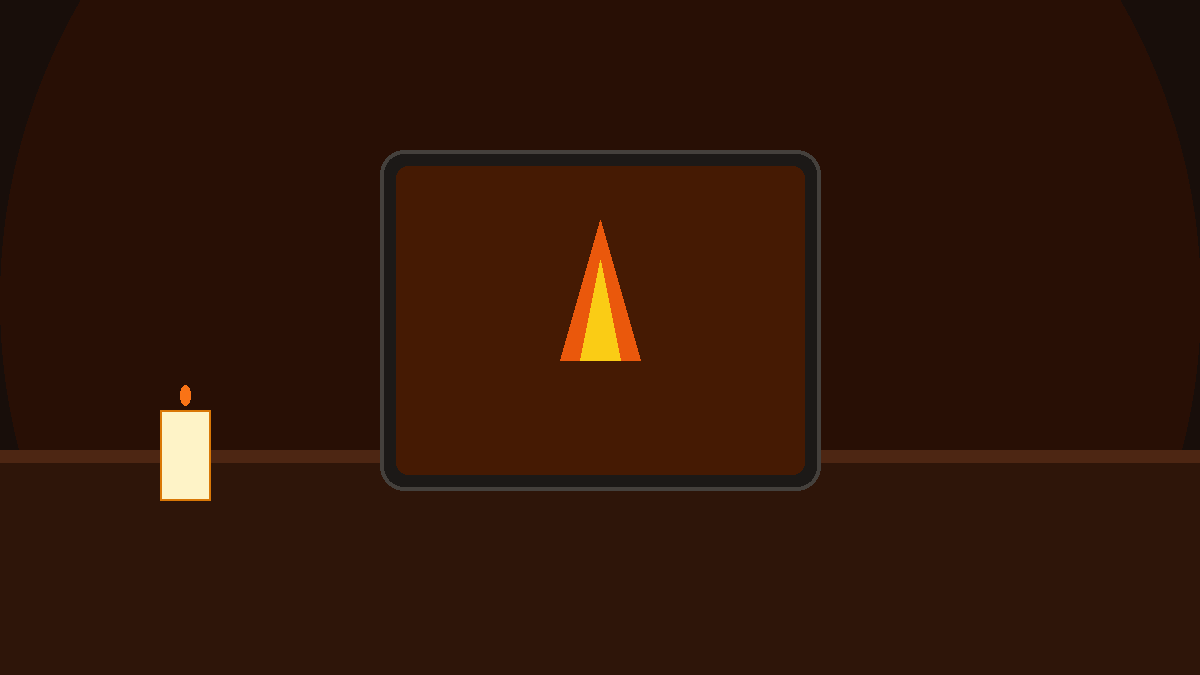
The Primal Comfort of Firelight on Chilly Evenings
Humans have gathered around flickering hearths for hundreds of thousands of years. The mesmerizing dance of golden flames, the gentle pops of heated timber, and the slow drift of glowing embers into the chimney create an immediate sense of shelter and safety. In our modern homes and apartments, however, traditional brick fireplaces are an unattainable luxury for most of us.
At the same time, millions of older iPads, Samsung Galaxy Tabs, and Amazon Fire tablets sit abandoned in nightstand drawers simply because they no longer support the latest gaming apps or power-hungry software updates.
By repurposing that forgotten tablet into a dedicated, aesthetic bedside fireplace smart display, you can instantly transform any bedroom, study nook, or bookshelf into a warm hearthside haven.
Why Wood-Crackling ASMR and Flame Physics Calm the Mind
Neuroscientific and psychological research into sensory relaxation highlights several key reasons why a crackling hearth soothes high-stress evenings:
- Parasympathetic Nervous System Activation: Studies published in Evolutionary Psychology found that observing simulated hearth fires with acoustic accompaniment significantly reduces blood pressure and triggers the body’s natural rest-and-digest response.
- Organic Visual Rhythm: Unlike chaotic television shows or fast-moving social media reels, fire moves in a natural fractal rhythm that holds attention without overstimulating the brain.
- Warm Color Temperature: The amber and deep orange tones emitted by the hearth naturally filter out stimulating blue wavelengths, signaling to your brain that it is time to unwind and transition into restorative sleep.
- Gentle White Noise Masking: The random pops and fissures of burning firewood act as natural acoustic camouflage against distant traffic, creaking floorboards, and noisy neighborhood corridors.
What Makes Winter Fireplace ASMR Unique
When you open Winter Fireplace ASMR on Updrawer, your tablet becomes an intimate personal hearth:
- Fluid Flame Physics Engine: Dynamic flame tongues rise, curl, and merge smoothly with authentic particle physics rather than a repetitive three-second video loop.
- Drifting Ember Sparks: Glowing embers detach from burning logs and float gracefully across the dark background.
- Binaural Wood Crackling Audio: High-fidelity sound captures the distinct crisp snaps and deep resonant rumbles of seasoned hardwood burning on an open grate.
- Subtle Ember Clock: An understated digital clock glows warmly with soft ember hues, keeping you subtly anchored in time without disturbing your calm.
Step-by-Step Setup: Building Your Personal Hearth
Setting up your tablet takes only a couple of minutes and requires zero complex configuration:
Step 1: Charge and Connect Your Device
Take out your old tablet, plug in the charging cable, and ensure it is connected to your local Wi-Fi. A continuous power connection ensures your hearth can glow as long as you wish.
Step 2: Open the Smart Display in Your Browser
Open Safari or Chrome and navigate directly to: https://updrawer.com/app/winter-fireplace-asmr
The smart display initializes instantly without asking for logins or app downloads.
Step 3: Customize Flame Glow & Audio Levels
Tap anywhere on the display to reveal the floating control dock. Fine-tune the crackle volume, adjust ambient glow levels, or select your preferred clock visibility.
Step 4: Add to Home Screen & Set Your Stage
To remove browser tabs and address bars:
- On iPad (Safari): Tap the Share button in the navigation bar and choose Add to Home Screen.
- On Android (Chrome): Tap the menu dots and select Add to Home Screen or Install to device.
Launch the icon from your home screen, set your tablet on an angled nightstand easel or wooden book holder, and watch the room bathe in warm, golden light.
Evening Atmosphere Tips for Your Bedside Sanctuary
- Position Near Low Shelving or Bedside Tables: Placing the tablet slightly below eye level mimics the natural downward angle of viewing a real fireplace hearth.
- Keep Room Lighting Low: Dim your bedroom lamps or switch to soft ambient fairy lights to let the hearth reflection bounce gently off your walls and ceiling.
- Set a Sleep Timer: If you only want the crackle while falling asleep, use your tablet’s built-in media timer or the display controls to automatically quiet the sound after you drift off.
Frequently Asked Questions
Can I use this on an old iPad 2 or iPad Air 1?
Yes. Updrawer is specifically engineered for maximum efficiency on legacy mobile web engines. Older iOS versions like iOS 10 through iOS 12 handle the lightweight canvas rendering effortlessly.
Will the fireplace drain data from my Wi-Fi all night?
No. After the initial audio and visual assets load, the flame physics and particle simulations compute directly on your device, consuming negligible background bandwidth.
Does it produce actual heat?
While the visual and auditory illusion feels remarkably warm and cozy, the screen remains cool to the touch thanks to lightweight CPU optimization!
Further Reading & Scientific References
- Hearth and Campfire Influences on Arterial Blood Pressure: Defraying the Costs of the Social Brain through Relaxation, Evolutionary Psychology, Lynn, C. D., 2014.
- Autonomous Sensory Meridian Response (ASMR): A Flow-like Mental State with Calming Physiological Markers, Frontiers in Psychology, 2018.
- Circadian Rhythms and Warm Spectrum Ambient Lighting in Evening Rest, Sleep Health Journal, 2023.
Related Articles
I Tried 30 Days of Slow Living With My Desk. Here's What Actually Changed.
A personal experiment inspired by Cal Newport's Digital Minimalism: 30 days of redesigning a workspace to remove friction and distraction. What worked, what didn't, and what stayed.
5 DIY Phone Stands You Can Make Right Now From Things Already in Your Home
You don't need to buy anything. These five clever phone stand ideas use materials most people already have at home — and they work surprisingly well for repurposed desk displays.
Rescue Your Old Phone From the Drawer
Don't let your old device gather dust. Turn your longtime companion into an aesthetic desk clock, calendar & smart display with just one click.