
Turn an Old Phone into an Interactive Zen Koi Pond Desk Display
Transform your old smartphone into a serene Japanese Zen koi pond with lifelike swimming koi fish, interactive water ripples on touch, soothing water murmur, and a submerged clock.
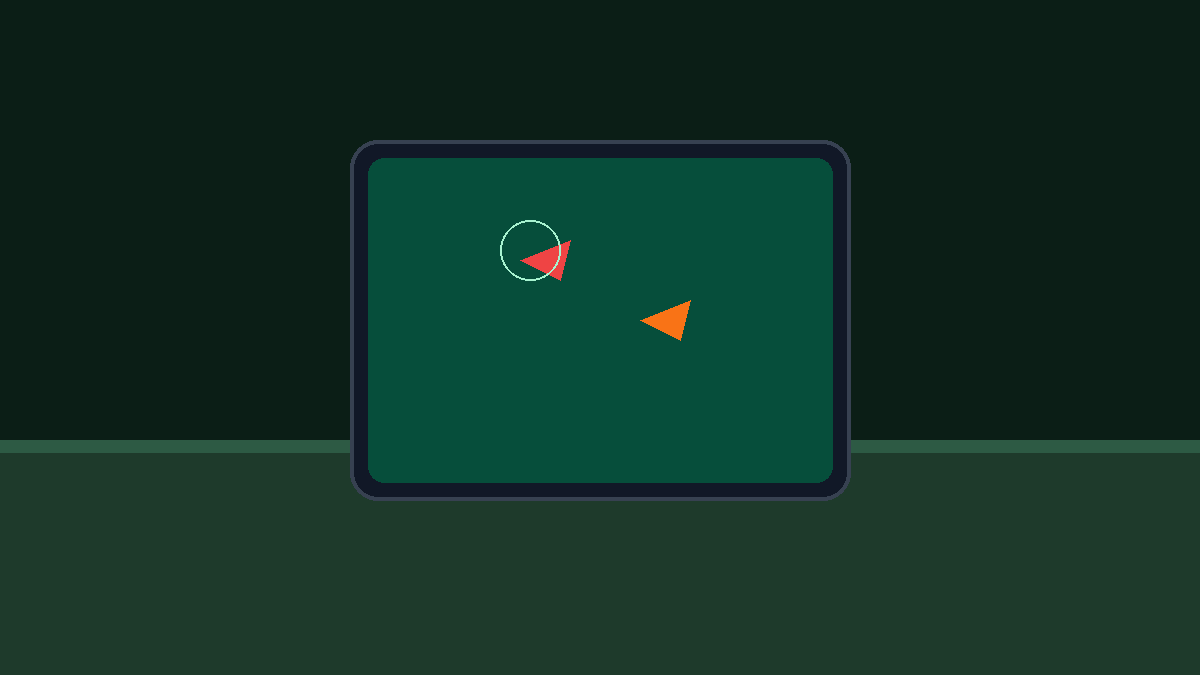
Bringing the Stillness of a Japanese Garden to Your Workspace
In traditional Japanese Zen garden design, water is revered as an instrument of mental clarity. For centuries, monks and scholars have paused beside quiet stone koi ponds (chisen-teien), watching the effortless glide of colorful carp through crystal-clear water to quiet a racing mind.
In contrast, our contemporary workday is an unending stream of frantic pings, tight deadlines, and cognitive overload. When stress builds up at your desk, glancing down at a chaotic notifications feed only compounds mental fatigue.
If you have an old smartphone sitting in your desk drawer, you can give it an inspired second purpose. In just under two minutes, that unused piece of electronics can become a living Zen koi pond smart display right next to your keyboard—offering instant tactile and visual peace whenever you need a mindful pause.
The Science of Biophilic Calming: Why Watching Fish Reduces Stress
Environmental psychologists frequently point to Attention Restoration Theory (ART) when discussing the benefits of water and aquatic life in indoor environments:
- Restorative Soft Fascination: Watching koi swim in sweeping, natural curves captures “soft fascination”—an effortless form of attention that allows your executive brain circuits to recover from intense problem-solving.
- Stress Reduction Markers: Clinical studies have shown that observing swimming fish in desktop aquariums significantly lowers heart rates, reduces muscle tension, and diminishes reported anxiety scores.
- Tactile Mindfulness with Water Ripples: Tapping the screen to create gentle propagating water ripples acts as an immediate physical anchor, grounding your awareness during moments of high workday pressure.
- Subtle Timekeeping Under Water: A delicate clock resting gracefully beneath the translucent water surface lets you keep track of time without the abrupt urgency of digital alarms.
Exploring the Zen Koi Pond Experience
When you launch Zen Koi Pond on Updrawer, your old phone screen is converted into a miniature stone basin:
- Organic Koi Swimming Physics: Handcrafted algorithmic fish models glide, turn, and playfully follow each other with fluid tail movements and natural school behavior.
- Interactive Touch Ripples: Tap or drag your finger anywhere across the screen surface to send realistic concentric ripples washing over the submerged stones and fish.
- Tranquil Water Acoustics: Enjoy gentle water murmurs and the faint, rhythmic trickle of a bamboo water fountain (shishi-odoshi) in the background.
- Submerged Minimalist Clock: An elegant clock face lies at the bottom of the pond, visible through clear water refraction.
Step-by-Step Setup: Building Your Desktop Water Garden
Setting up your desktop pond requires no technical expertise and takes less than two minutes:
Step 1: Charge Your Unused Phone
Locate your retired iPhone or Android device, connect it to a power adapter, and ensure it is connected to your Wi-Fi network.
Step 2: Access the Smart Display Web Address
Open Safari (on iOS) or Chrome (on Android) and enter: https://updrawer.com/app/zen-koi-pond
The tranquil water pool opens immediately in your browser with zero installation steps.
Step 3: Configure Fish and Audio Ambience
Tap the screen to access the quick settings bar. Adjust the water sound volume, adjust fish density, or customize the clock appearance.
Step 4: Add to Home Screen and Position
To enjoy an uncluttered view without browser bars:
- On Safari (iOS): Tap the Share icon and tap Add to Home Screen.
- On Chrome (Android): Tap the menu dots and select Add to Home Screen.
Launch the icon from your home screen, set your phone horizontally on a bamboo or light oak stand, and place it beside your laptop or favorite succulent plant.
Desk Styling Ideas for a Japanese Minimalist Aesthetic
- Incorporate Natural Textures: Place your upcycled koi display on a small bamboo coaster or alongside a tray of dark river stones and a miniature bonsai tree.
- Keep Phone Horizontally Aligned: A horizontal landscape orientation maximizes the pond’s surface area, giving the fish ample room to circle and weave across the screen.
- Mindful Micro-Breaks: Whenever you finish a difficult task or phone call, spend 30 seconds tapping the water surface to generate ripples and take three slow, conscious breaths.
Frequently Asked Questions
Can I run this on older Android phones like Android 7 or 8?
Yes! Updrawer is optimized for older web rendering engines, meaning legacy Android devices and vintage iPhones handle the water surface rendering smoothly without lag.
Do I have to feed the virtual koi or maintain them?
No virtual feeding or maintenance chores required! These digital koi are purely designed for effortless ambient relaxation and peace of mind.
Can I mute the water trickling sound if I am on a video call?
Yes. With a single tap on the quick action menu, you can silence the water acoustics while keeping the beautiful swimming fish and clock visible.
Further Reading & Scientific References
- Biophilic Design in the Workplace: The Impact of Natural Elements on Wellbeing and Cognitive Function, Building and Environment Journal, 2020.
- The Physiological and Psychological Effects of Aquarium Views on Human Stress, Environment and Behavior, Cracknell, D. et al., 2016.
- Attention Restoration Theory and Ambient Natural Interfaces, Journal of Environmental Psychology, 2022.
Related Articles
I Tried 30 Days of Slow Living With My Desk. Here's What Actually Changed.
A personal experiment inspired by Cal Newport's Digital Minimalism: 30 days of redesigning a workspace to remove friction and distraction. What worked, what didn't, and what stayed.
5 DIY Phone Stands You Can Make Right Now From Things Already in Your Home
You don't need to buy anything. These five clever phone stand ideas use materials most people already have at home — and they work surprisingly well for repurposed desk displays.
Rescue Your Old Phone From the Drawer
Don't let your old device gather dust. Turn your longtime companion into an aesthetic desk clock, calendar & smart display with just one click.